

miniLAN-4B2
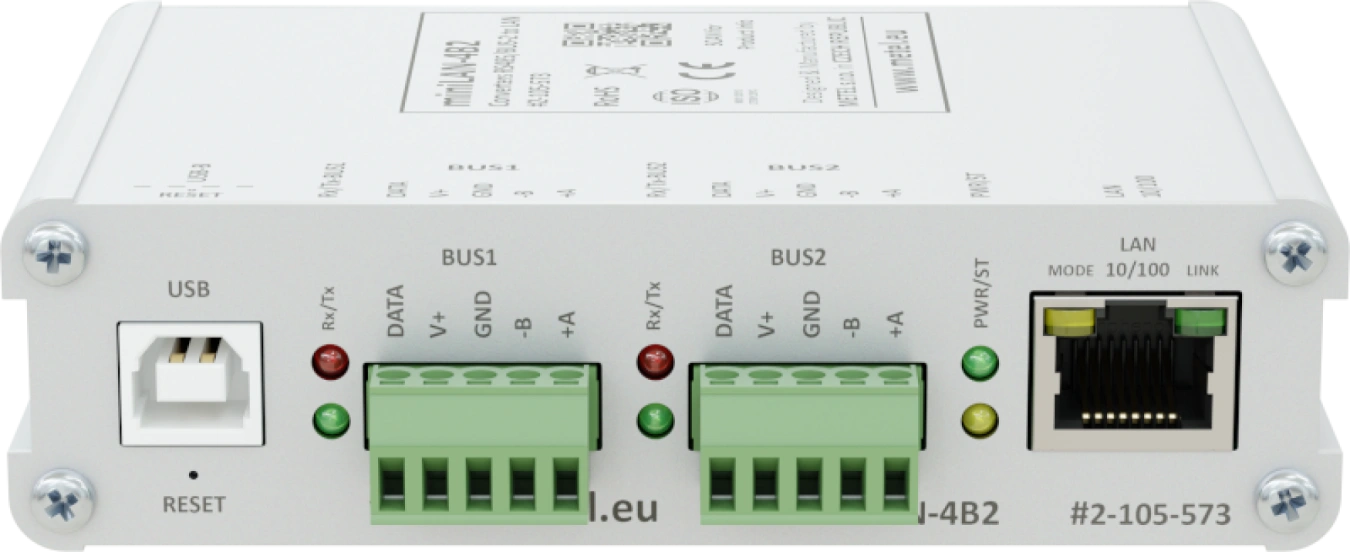
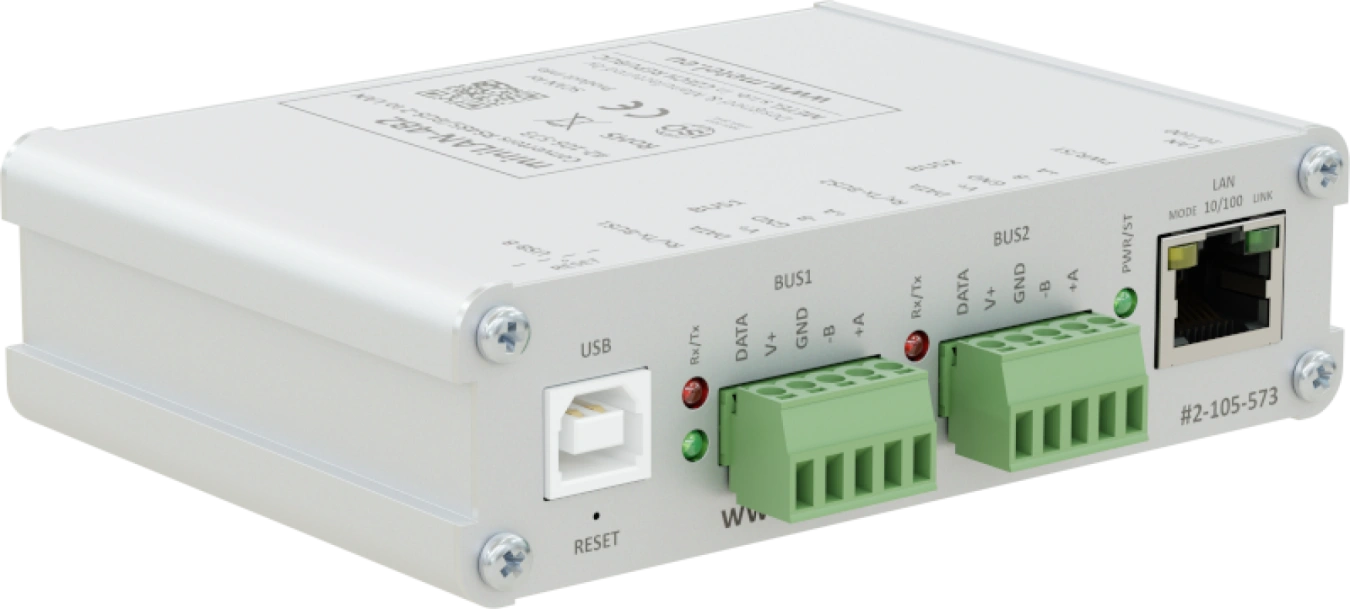
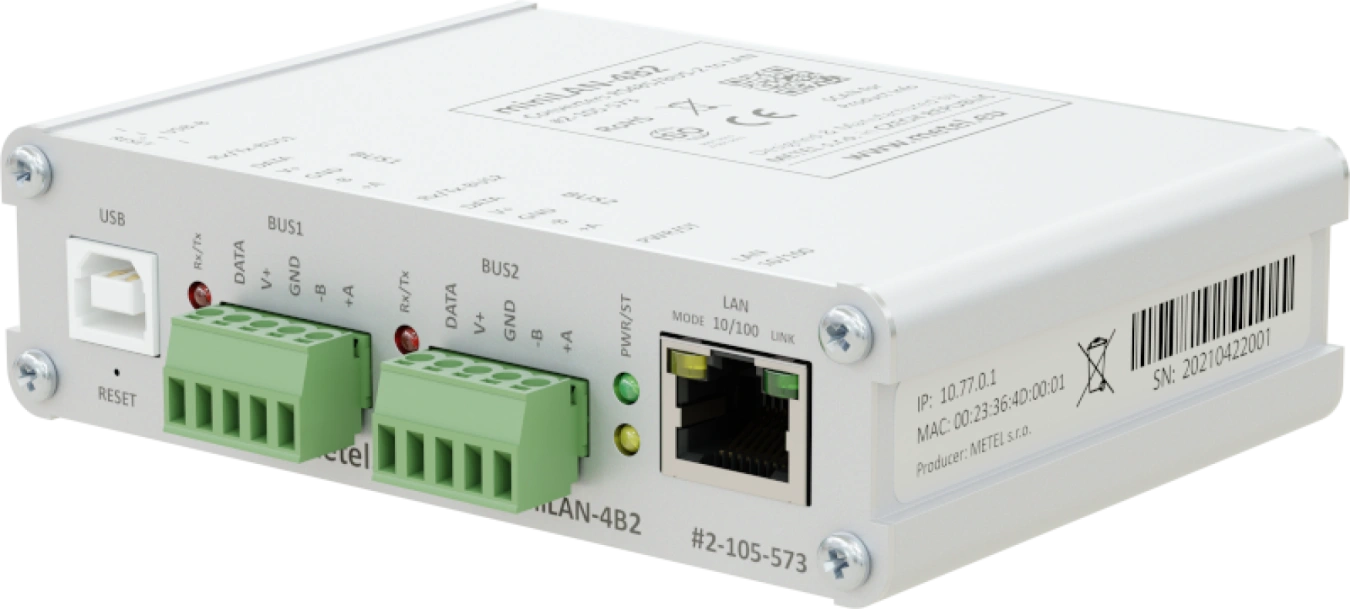
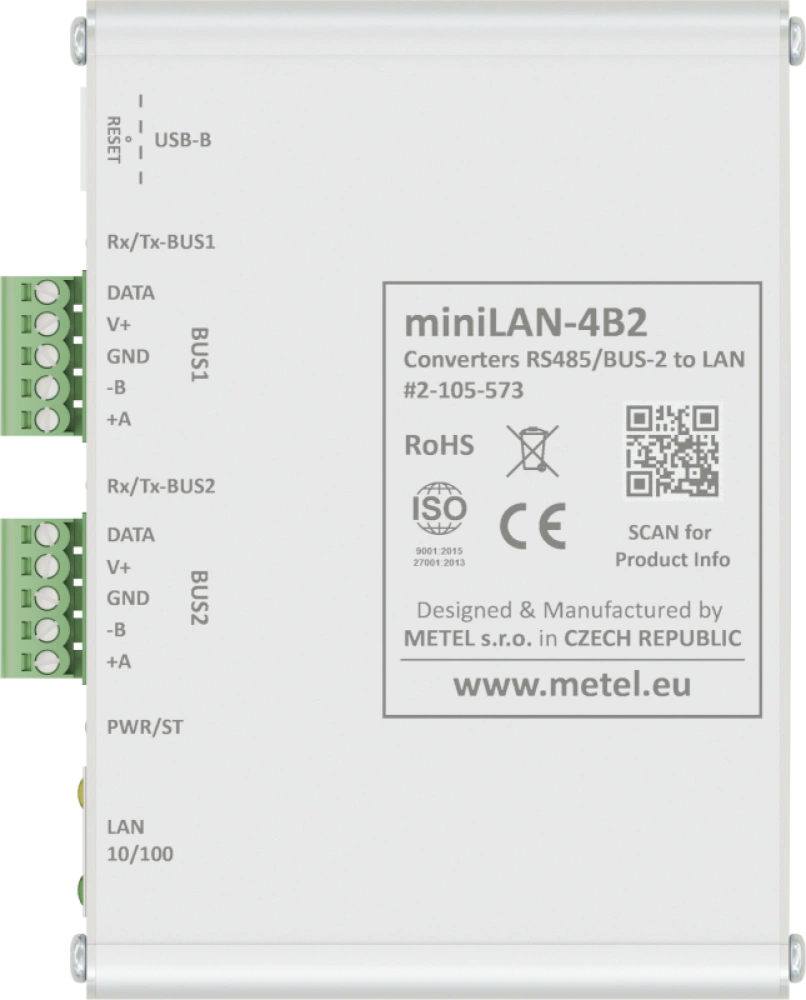
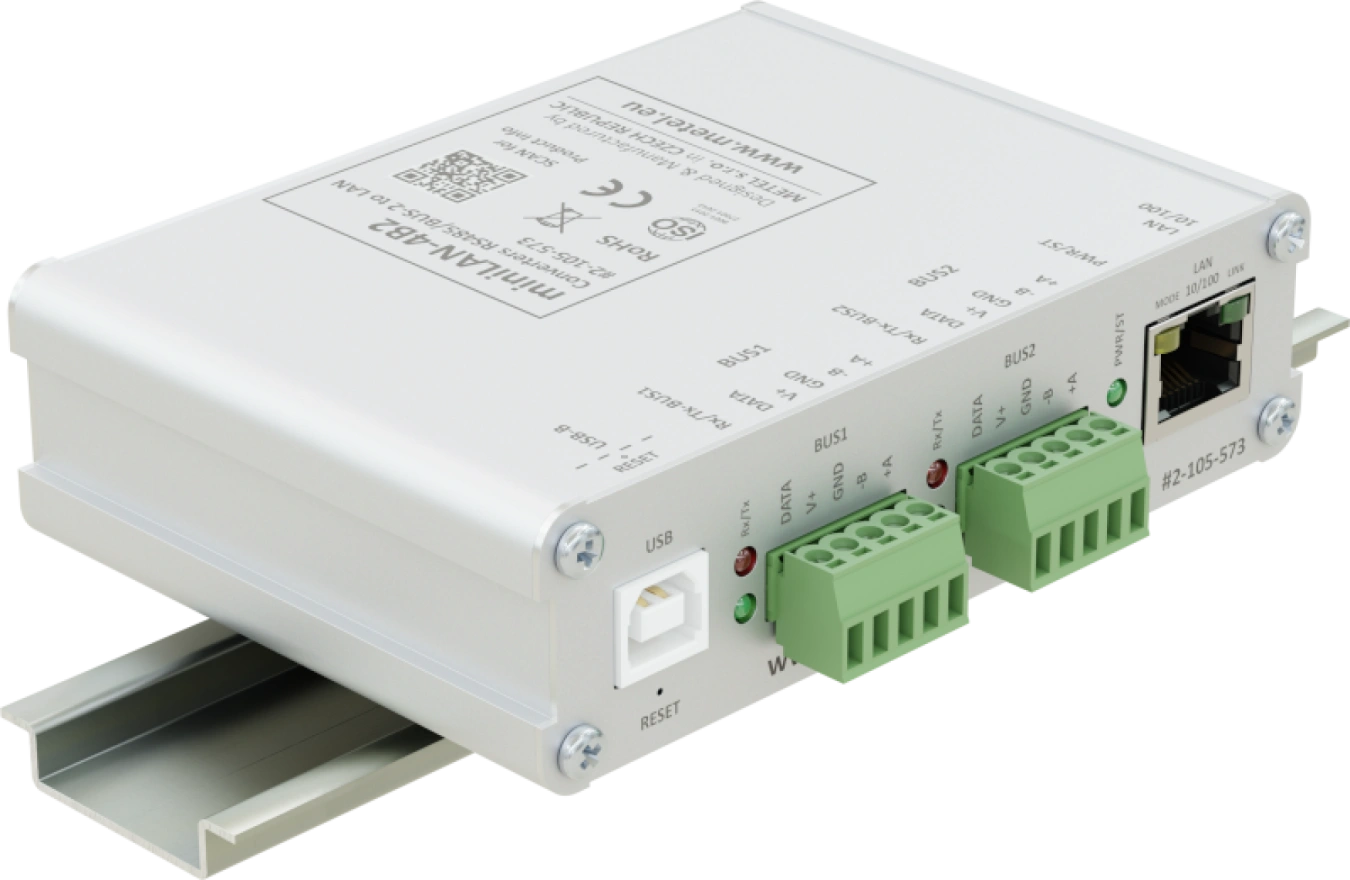
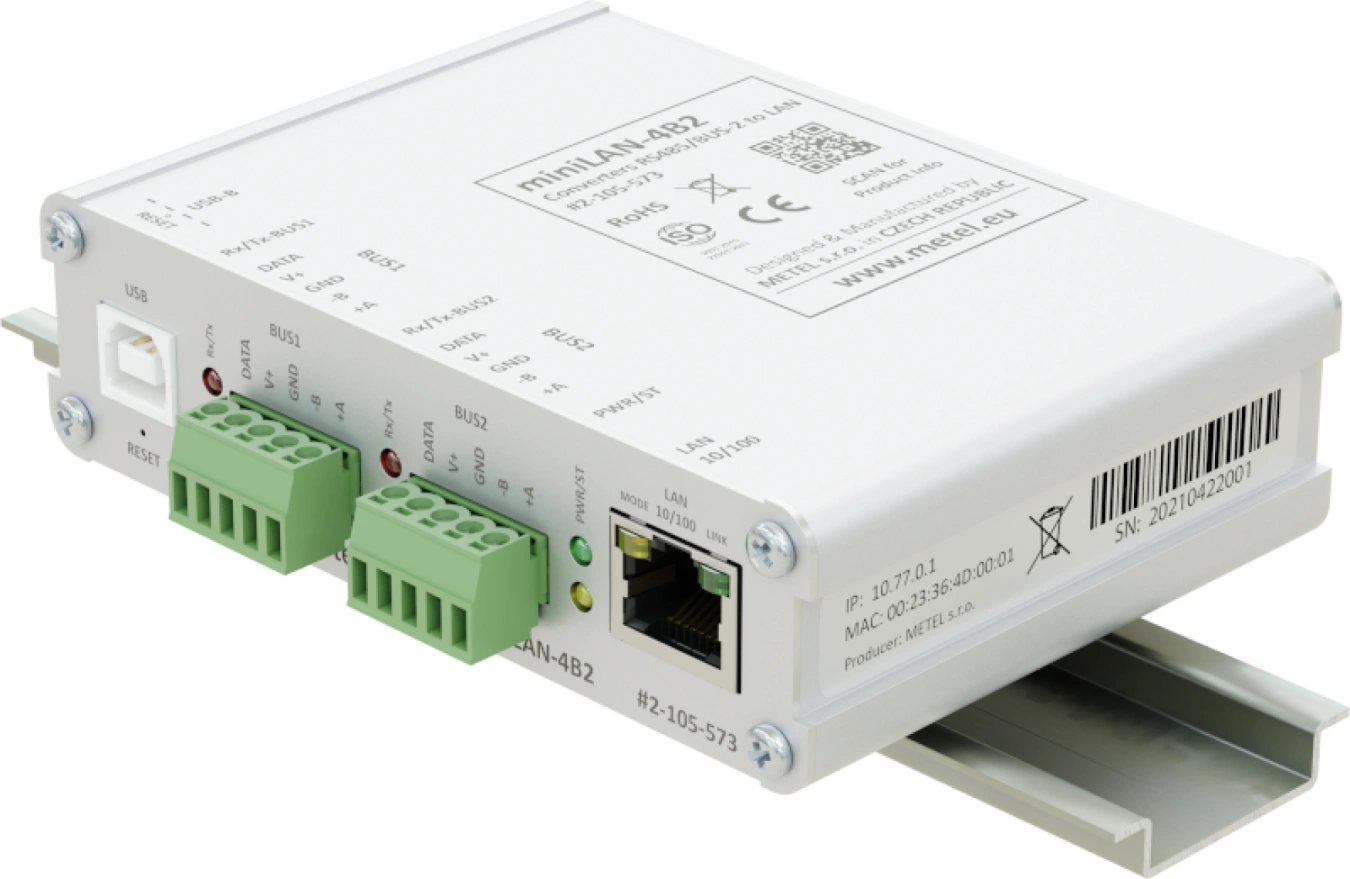
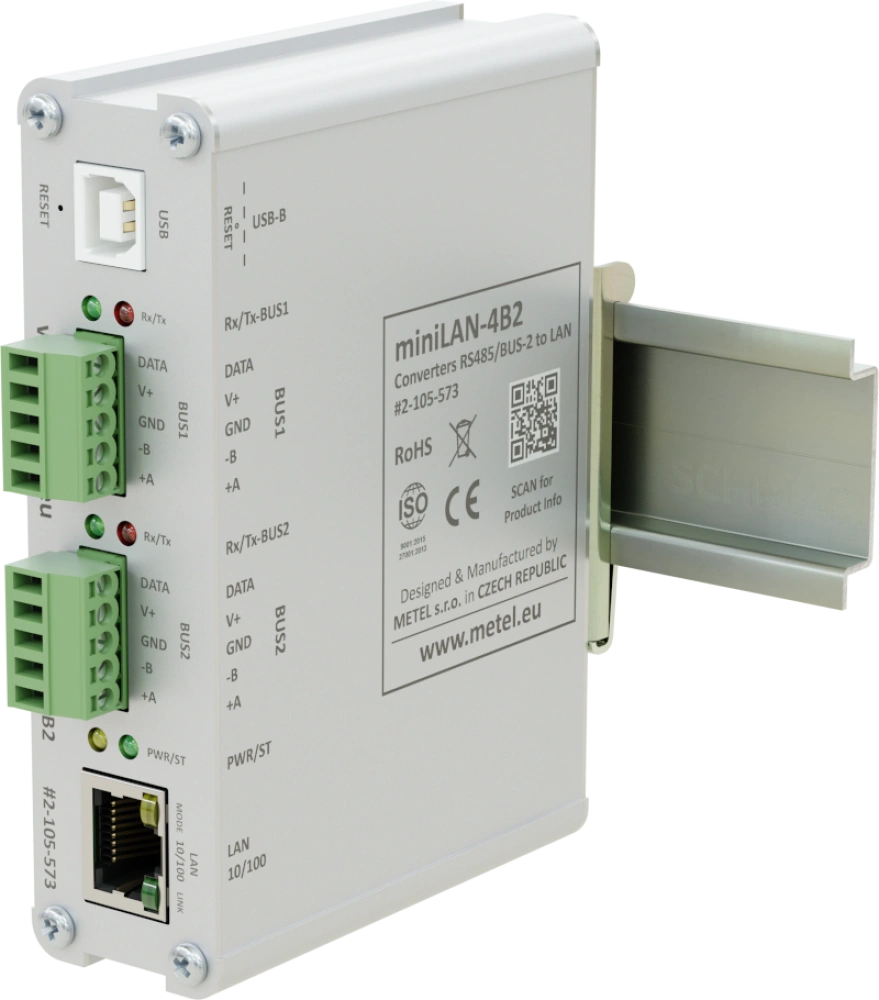
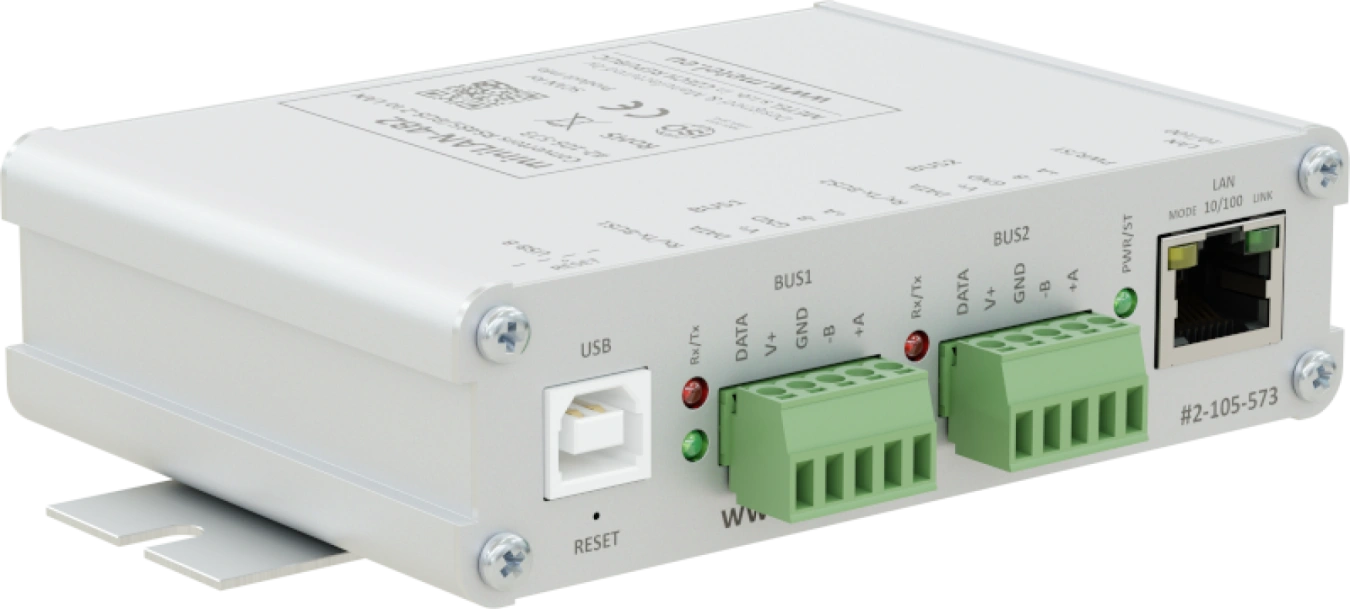
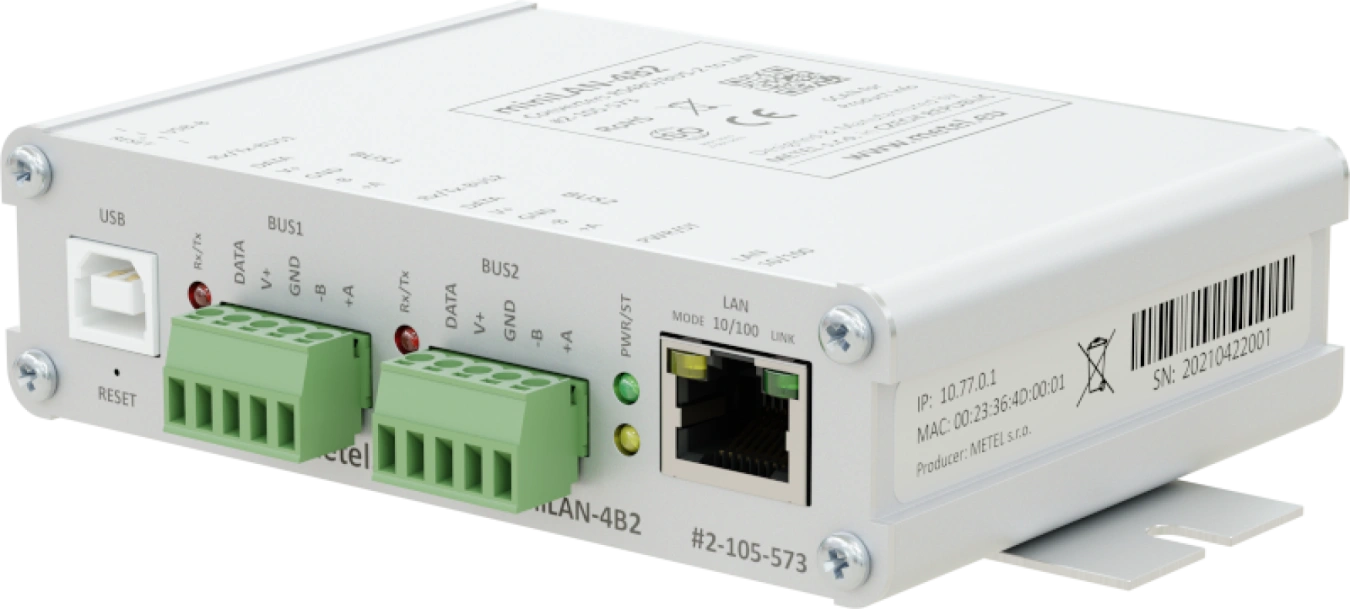
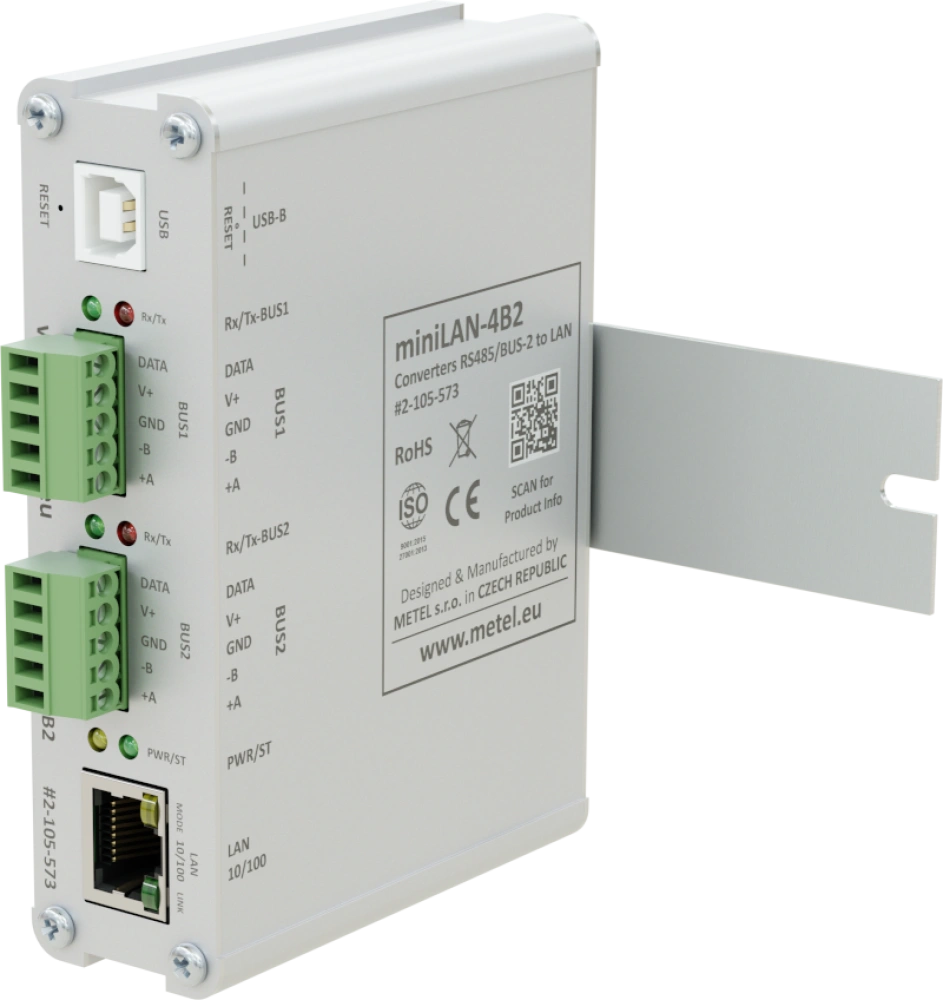
- 1x ethernet port
- 2x RS485 / BUS-2 bus
- Modbus RTU/TCP
- TCP-server/TCP-client
- RS485 bus support of security systems: ASSET, GALAXY, HUB-PRO, MB-SECURE, PERIDECT
- LAN/RS port conversion speed from 3ms
- 600W surge protection of all ports
- Encrypted SNMPv3 management
- Mounting on a flat surface or DIN35
- Power supply from system buses of the PZTS system / 12VDC
- Operating temperature from -40 °C to +75 °C
Dual channel RS485 and BUS-2 serial to LAN converters. The converters support Modbus RTU/TCP protocols (TCP-server and client). The converters are also compatible with ASSET, Galaxy Dimension and MB-Secure alarm systems. Valid certificates confirming compatibility with CSN 50131-1 are available for download on our website.
The devices are developed and manufactured in the EU and comply with NDAA requirements.
Models
miniLAN-4B2
Dual channel RS485/BUS-2 to LAN converters.1x Ethernet port, 2x RS485/BUS-2 bus, Modbus RTU/TCP, TCP-server/TCP-client, LAN/RS port conversion speed from 3 ms, 600W surge protection for all ports, encrypted SNMPv3 management, operating temperature from -40°C to +70°C.
Order code: 2-105-573
Availability: Full-scale production
Specifications
Technical parameters
| FAST ETHERNET | |
|---|---|
| Count | 1 |
| Supported formats | 100 BASE-Tx |
| Connector | RJ45 |
| MANAGEMENT | |
|---|---|
| Application | SIMULand.v4 |
| SNMPv3 | Encrypted |
| RS485, BUS-2 | |
|---|---|
| Count | 2 |
| Speed | max. 115200 bps |
| Compatability of BUS-2 | MB-SECURE |
| POWER | |
|---|---|
| Count | 2 |
| Input voltage range | 12 - 14 VDC |
| Power consumption | Max. 1 W |
| Surge protection | 600 W waveform 10/1000 μs |
| ENVIRONMENT | |
|---|---|
| Operating temperature | -40...+75 °C |
| Storage temperature | -40...+75 °C |
| Humidity | Max. 95 % |
| MECHANICAL | |
|---|---|
| Weight | 0.22 kg |
| Dimensions - h / w / d | 30 x 110 x 85 mm |
Standards and protocols, EMC and safety
| EMC and safety | ||
|---|---|---|
| EN 55032 | EMC of multimedia devices - emission requirements | |
| EN 55035 | EMC of multimedia devices - immunity requirements | |
| EN 62368-1 | Safety requirements of Information technology equipment | |
| EN IEC 63000 | The Assessment Of Electrical And Electronic Products With Respect To The ROHS | |
| EN 50131-1 | 4 | Alarm systems - system requirements |
| EN 50131-3 | 4 | Alarm systems - control panels |
| EN 61000-4-2 | 8 kV | Air discharge |
| EN 61000-4-2 | 4 kV | Contact discharge |
| EN 61000-4-3 | 10 V/m | Radiated HF field |
| EN 61000-4-4 | 1 kV | Bursty |
| EN 61000-4-5 | 1 kV | Shock impulses |
| EN 61000-4-6 | 3 V | Resistance to RF field induced line disturbances |
| EN 61000-4-8 | 30 A/m | Magnetic field |
| EN 50121-4 ed.4 | Railway applications - EMC Emission and immunity of signalling and communication equipment | |
| EN 61000-6-2 | Immunity - industrial environment | |
| EN 61000-6-4 | Emissions - industrial environment | |
| Standards and protocols | |
|---|---|
| IHAS | Asset, Galaxy, MB Secur (BUS-2) |
| RS485 | Modbus |
Downloads
 miniLAN-4B2
Application notes
 Galaxy C080 - limited compatibility
.pdf
Recommendations for ASSET
.pdf
SIM4 without internet
.pdf
Galaxy C080 - limited compatibility
.pdf
Recommendations for ASSET
.pdf
SIM4 without internet
.pdf
 USB drivers
Catalogue sheets
miniLAN-4B2
.pdf
Other
Maintenance plan
.pdf
Package contents
- Converter
- Mounting kit for mounting the switch on a DIN rail
- Mounting kit for mounting the switch on a flat surface
FAQ
What are the default passwords?
SNMPv3 (read and write)
Username:"master"
Authentication algorithm: SHA1
Authentication password:"mastermaster"
Private algorithm: AES128
Private password:"mastermaster"
SNMPv3 (read only)
Username:"user"
Authentication algorithm: SHA1
Authentication password:"useruser"
Private algorithm: AES128
Private password:"useruser"
SNMPv2c (read and write)
Community:"write"
SNMPv2c (read only)
Community:"read"
Will the IP address, mask and gateway change after a factory reset?
Yes. A USB factory reset will restore the device to factory settings.
Default parameters
IP address - printed on the switch label
Mask - 255.0.0.0
Gateway - 10.1.0.1
How to configure the RS485 bus for communication with HUB Pro?
The HUB Pro unit is connected to the RS485 bus of the METEL device (Switch, MiniLAN-4B2), which acts as a converter between the RS485 bus and the TCP/IP port (server). The additional software (client) then communicates with the HUB Pro via this port.
The TCP connection is established by the client, the first initialization must come from its side. The connection is then maintained automatically.
HUB Pro RS485 parameters (default):
Baud rate 9600b/s
Data bits 8
Stop bits 1
Parity None
Sample configuration: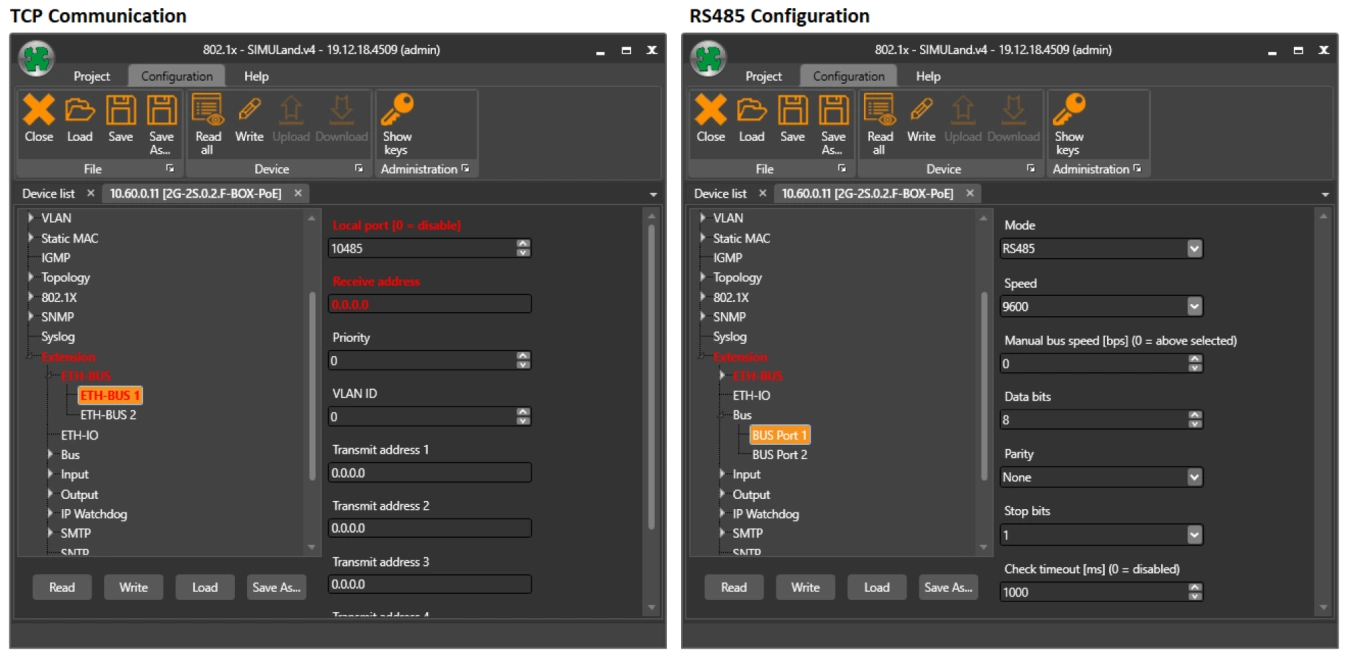
Extending UTP/FTP to more than 100 m?
If the distance between the camera and the switch is longer than 100 m, we use a LAN-EXT solution. This is a device that can repeat the route of the link, even several times in a row.