
PoE events
The available actions for PoE events are:
- Restart – Timeout – The duration for which PoE will remain disabled before being re-enabled (5 s–120 s)
- Force disable ON – An event that activates the ‘forced PoE disable’ function.
Example: Activation of a digital input triggers forced PoE disabling. - Force disable OFF – An event that disables the “force PoE disable” function.
Example: Opening the digital input disables the forced PoE disable function. - Force disable ON/OFF – An event that enables/disables the “Force PoE Disable” function. The input event must be in direct mode.
Example: Closing/opening the digital input disables/enables the ‘Force PoE Disable’ function. - Force disable OFF/ON – DTTO with inverted logic.
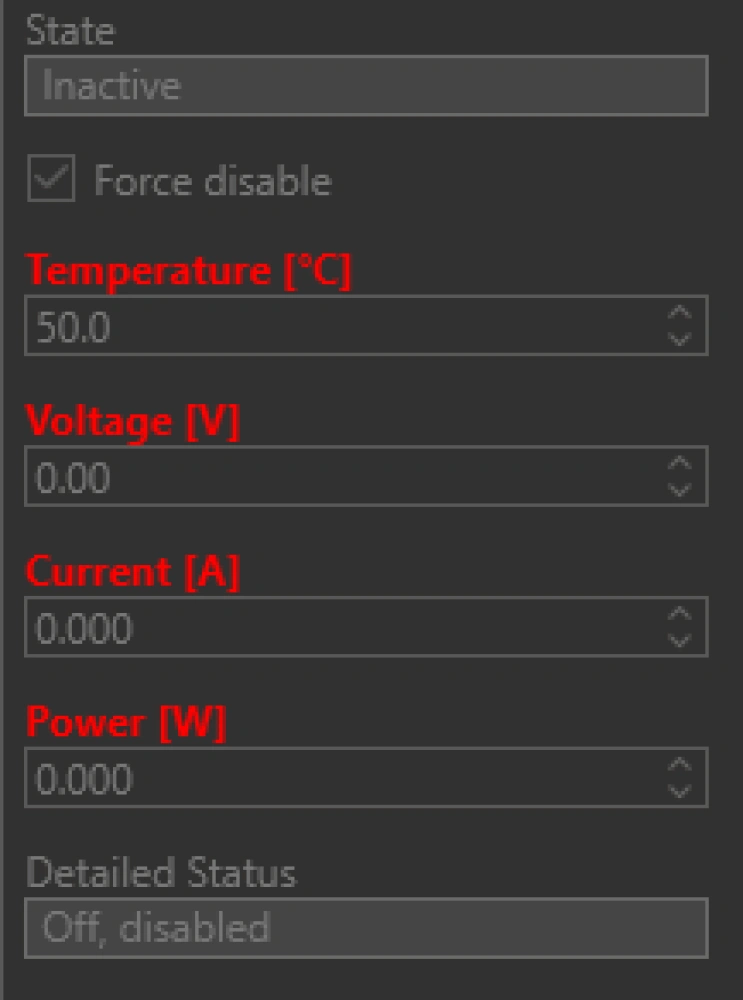
If the “Force PoE Disable” function is enabled and you disable PoE in the switch configuration (ports) and then enable PoE in the configuration (ports), the “Force PoE Disable” function will be deactivated.
You can check whether the “Force PoE Disable” function is enabled in the switch status.
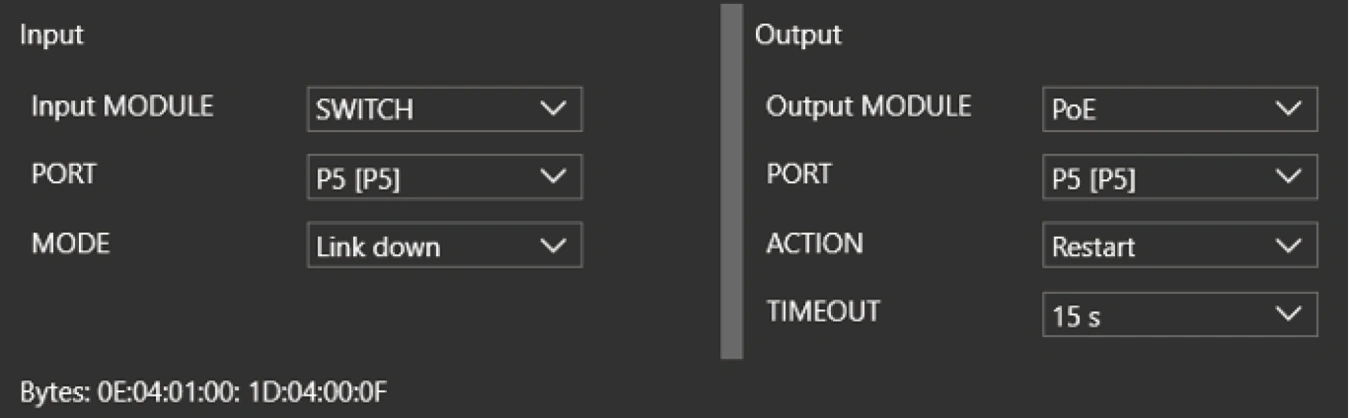
Example – If port no. 5 loses data connectivity, the switch will disable PoE for 15 s and then re-enable it.
PORT – port selection
ACTION – restart
TIMEOUT – 15 s